




Ranking
-

Florydzialski
użytkownik19Punkty89 242Liczba zawartości -

AkuQ
moderator 19Punkty31 732Liczba zawartości
 -
fender
użytkownik17Punkty37 991Liczba zawartości -
Ryb
użytkownik15Punkty115 558Liczba zawartości




Popularna zawartość
Treść z najwyższą reputacją w 29.10.2017 uwzględniając wszystkie miejsca
-
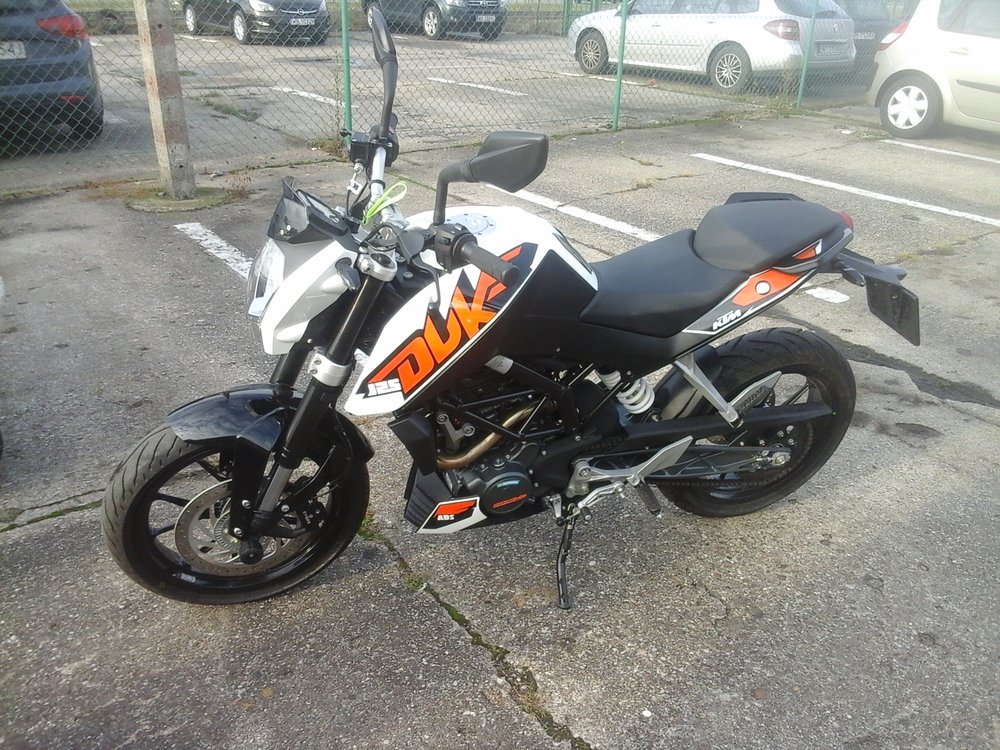
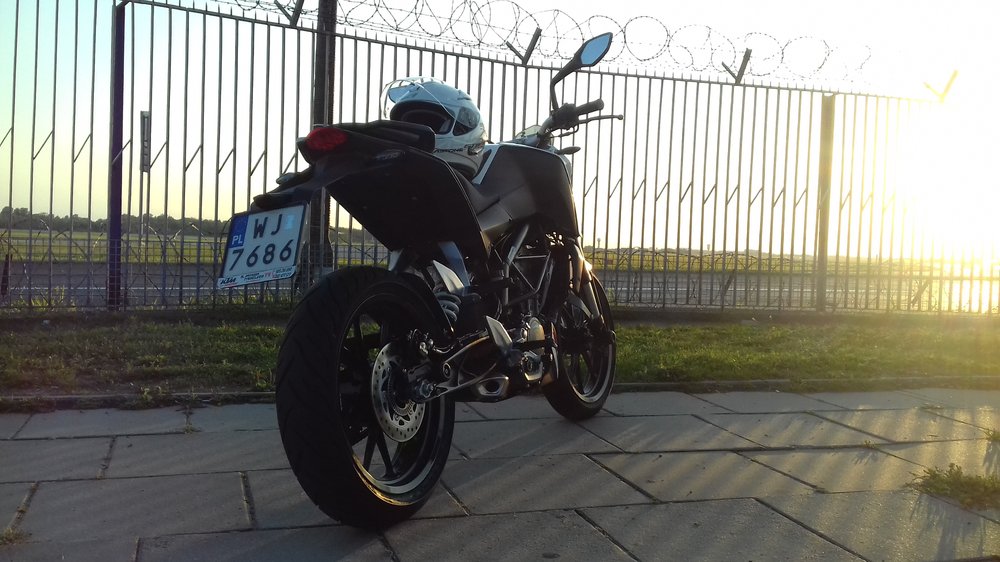
4 punktyto i ja się pochwalę nowym nabytkiem na razie czekam na lepszą pogodę, aby się przestawić po jeździe skuterem na biegowca
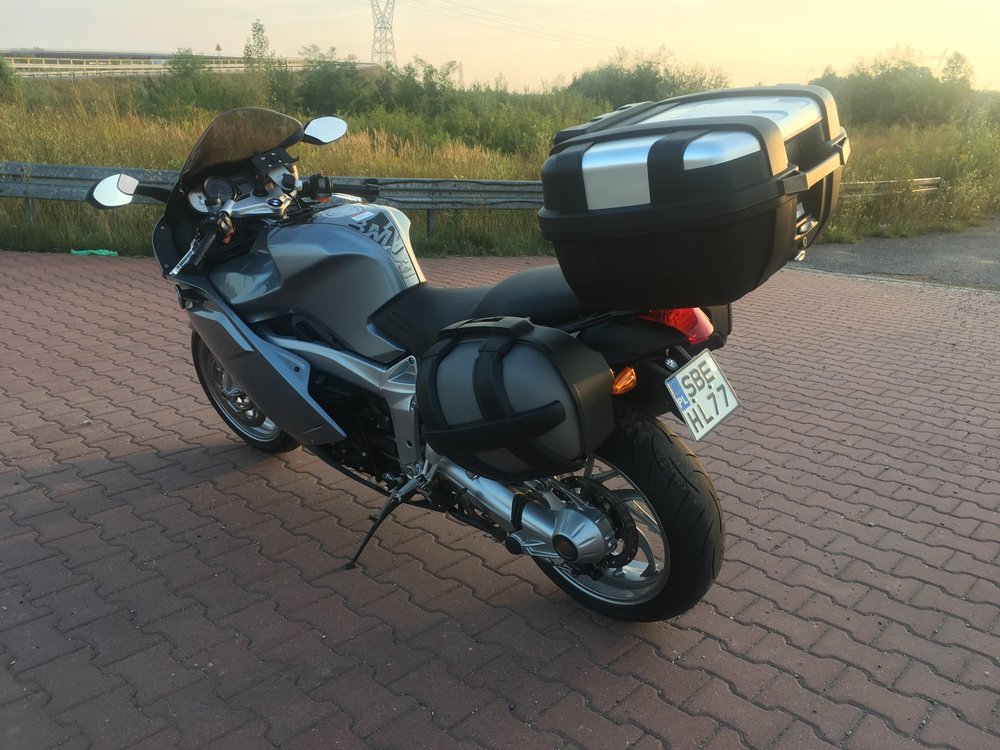
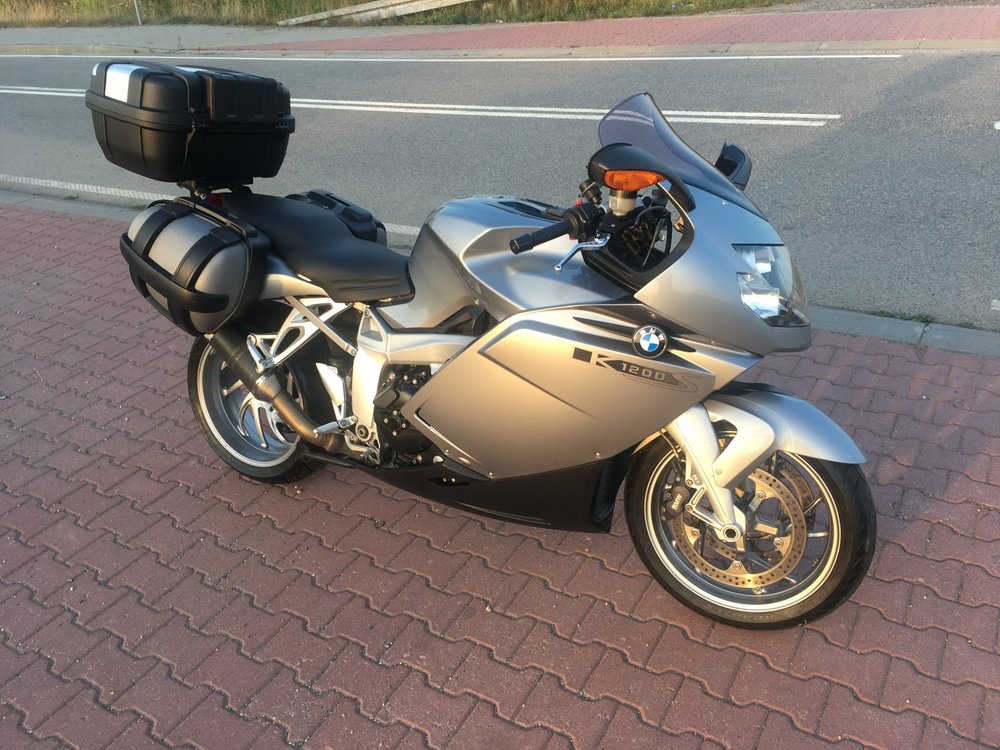
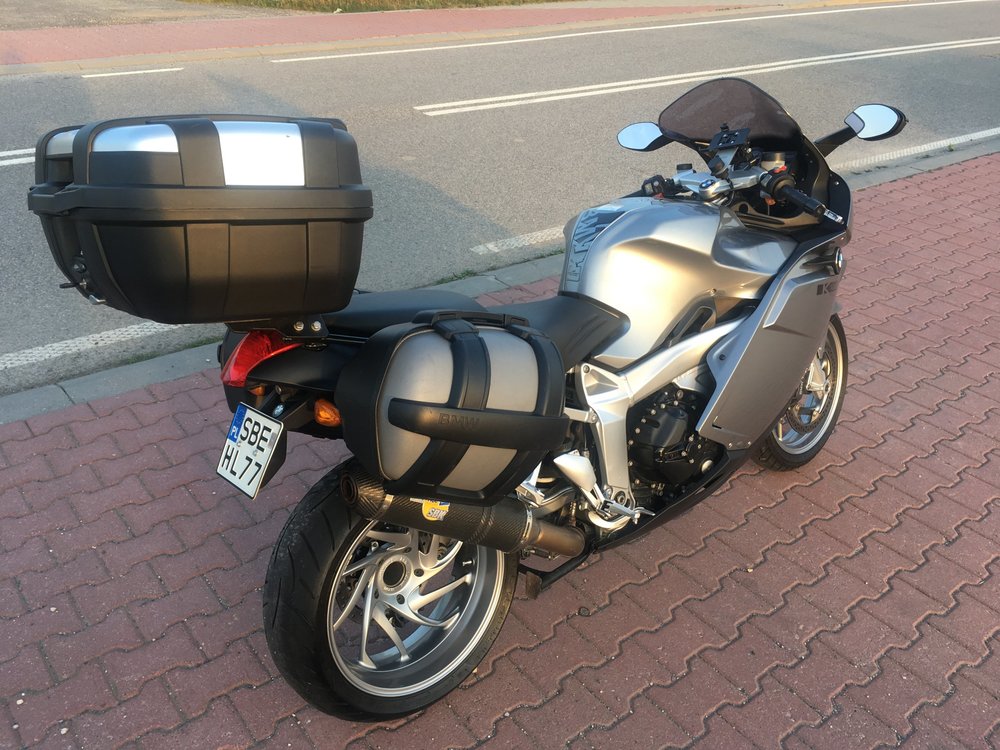 4 punkty
 -
3 punkty
-
1 punktZastanawiam się tylko nad jednym. Jak będą się czuli kierowcy regularnie objeżdżani przez jednorękiego1 punkt
-
0 punktówgeneralnie KUB, w mojej ocenie, a chciałbym się bardzo pomylić, ma małe szanse na fabryczny zespół. Świetną szansa na fabrykę było Renault, które jest w fazie odbudowy, ale wiemy jak to się skończyło.0 punktów



Ten Ranking ustawiony jest na Warszawa/GMT+02:00